
128 outputs at 96 kHz, patched how you want
Route any cue to any hardware channel through a crosspoint patch matrix. Per-cue effects racks, fades on real curves, slices, ducking, and a booth feed that follows the mix without touching it.
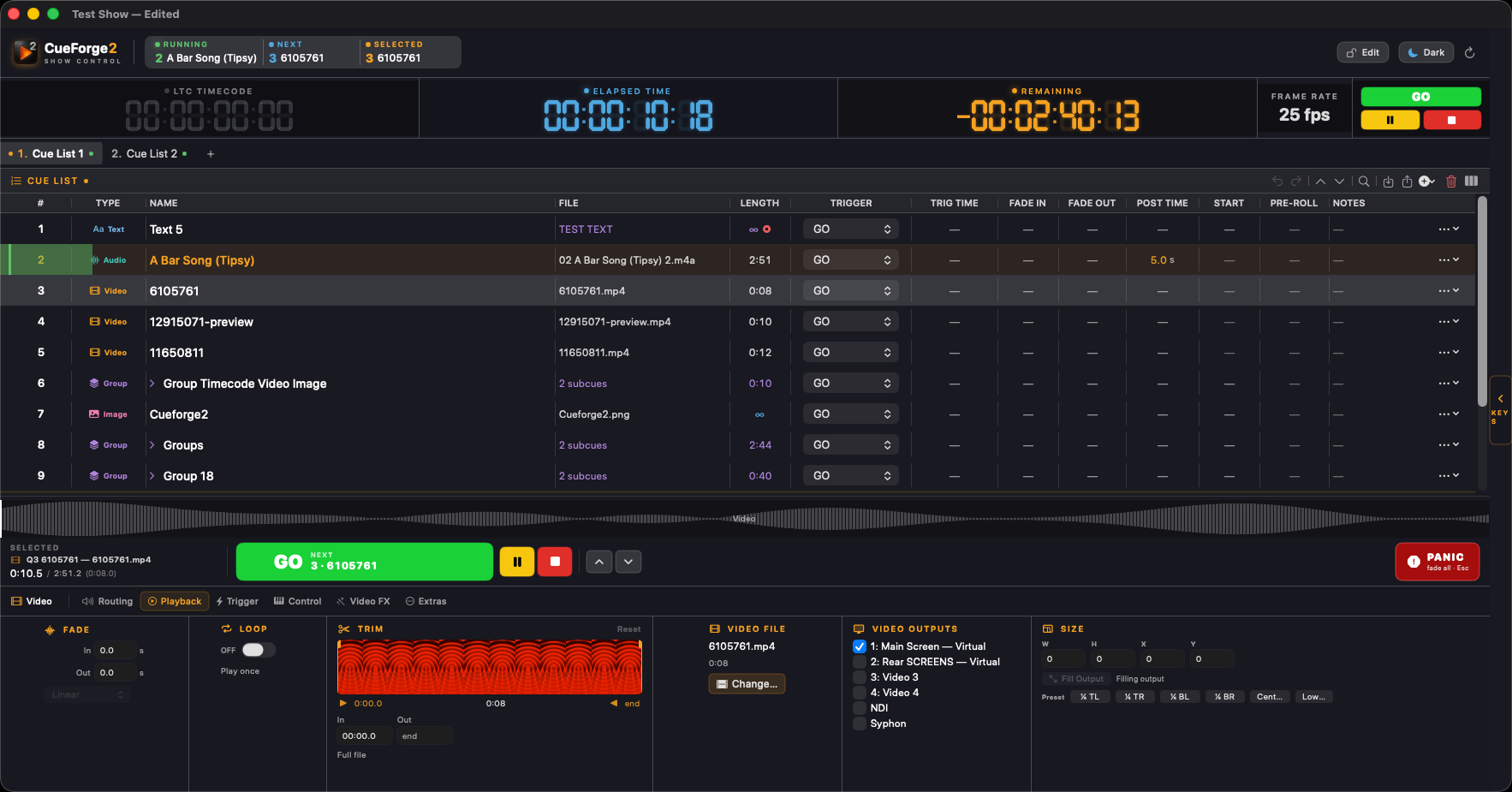
Audio, video, lighting, MIDI, timecode and network cues live together in a single cue list — with a backup Mac following along, silent and sample-locked, ready to take over.
Free 30-minute demo sessions — no account, no card. Every feature works. macOS 13 or later.
Most rigs end up as three machines and a lot of trust. CueForge runs the sound, the projection and the lights off one cue list, so the cue you press is the cue that happens.
Route any cue to any hardware channel through a crosspoint patch matrix. Per-cue effects racks, fades on real curves, slices, ducking, and a booth feed that follows the mix without touching it.
Lens correction, edge blending and mesh warp per projector, with composite surfaces spanning several outputs from one cue. NDI and Syphon in and out.
Fixtures with named parameters and plain-language cues — front-wash.intensity = 80 — merged per parameter, plus raw DMX scenes when you want them.
MIDI notes, CC and MSC. OSC in and out. LTC and MTC generation and chase. HTTP, serial and AppleScript. A web remote, and Stream Deck support with no middleware.
One Mac runs a show perfectly well. When the room needs a safety net, a second Mac joins the session and mirrors the first — same cue list, same playhead, one click from taking over.
Change a cue on the primary and the backup has it before you look up.
The backup runs the show with its outputs muted, so nothing double-triggers.
A control loop nudges playback rate so both machines stay locked to the same clock, not just started together.
Promote the backup manually, or let it promote itself when the primary stops answering.
Booth, stage, tech table or the back of the room — the same show, on whatever surface is in reach.
Download it and run 30-minute demo sessions for free — no account, no card. Subscribe when it earns a place in the rack.
From $19 a week · $599 a year · 3 Macs per subscription